Technical difficulties 😕
TME 310 - Computational Physical Modeling
Lorne Arnold, PhD, PE
University of Washington Tacoma
Codespace and Git issues
- Some students have been experiencing issues with Git and GitHub codespaces.
- I get that this can be frustrating!
- Troubleshooting codespaces isn’t how I want you to be spending your time
- I have some suggestions of things to try if you run into problems
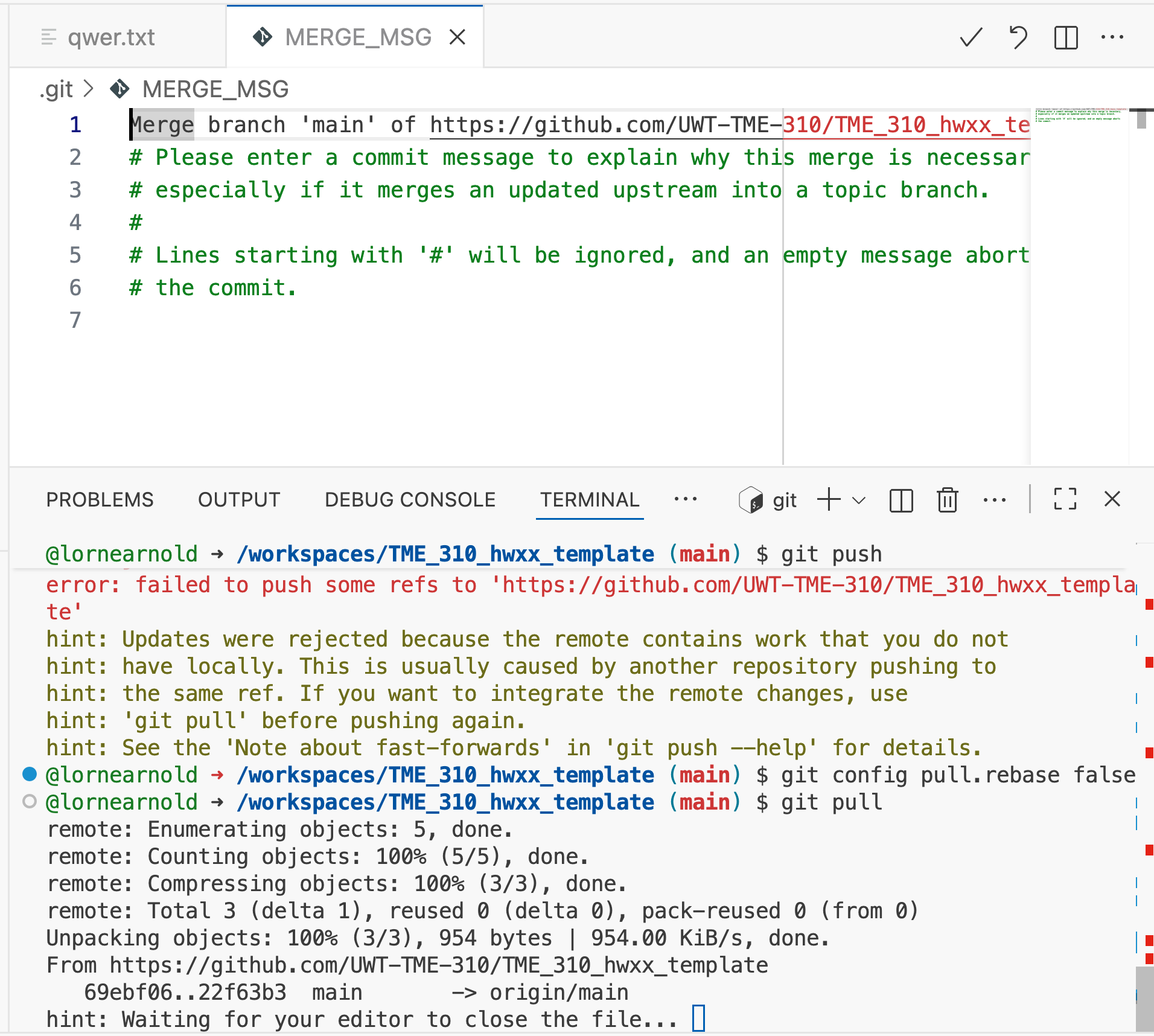
Try merging changes
Use these commands:
git config pull.rebase false
git pull
You’ll be prompted for a commit message
![]()
What’s going on?
Before attempted push:
    A---B---C  (origin/main)
         \
          D---E  (codespace/main)
After git config pull.rebase false AND git pull:
A---B-------C (origin/main)
\ \
D---E---F (codespace/main)
Now you can git push
After git push:
    A---B-------C   F (origin/main)
         \       \ /
          D---E---F (codespace/main)
Ask Copilot
Even if you don’t try the previous method, you can ask Copilot to help you.
- Turn “Agent” mode on
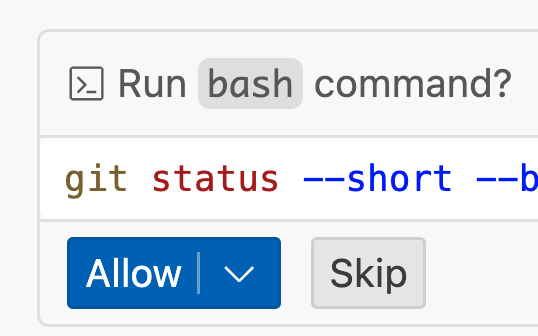
- Ask: “help me with git push”
- Allow copilot to run terminal commands
- After several commands and checks, it will almost always get to a successful push
Save locally and restart
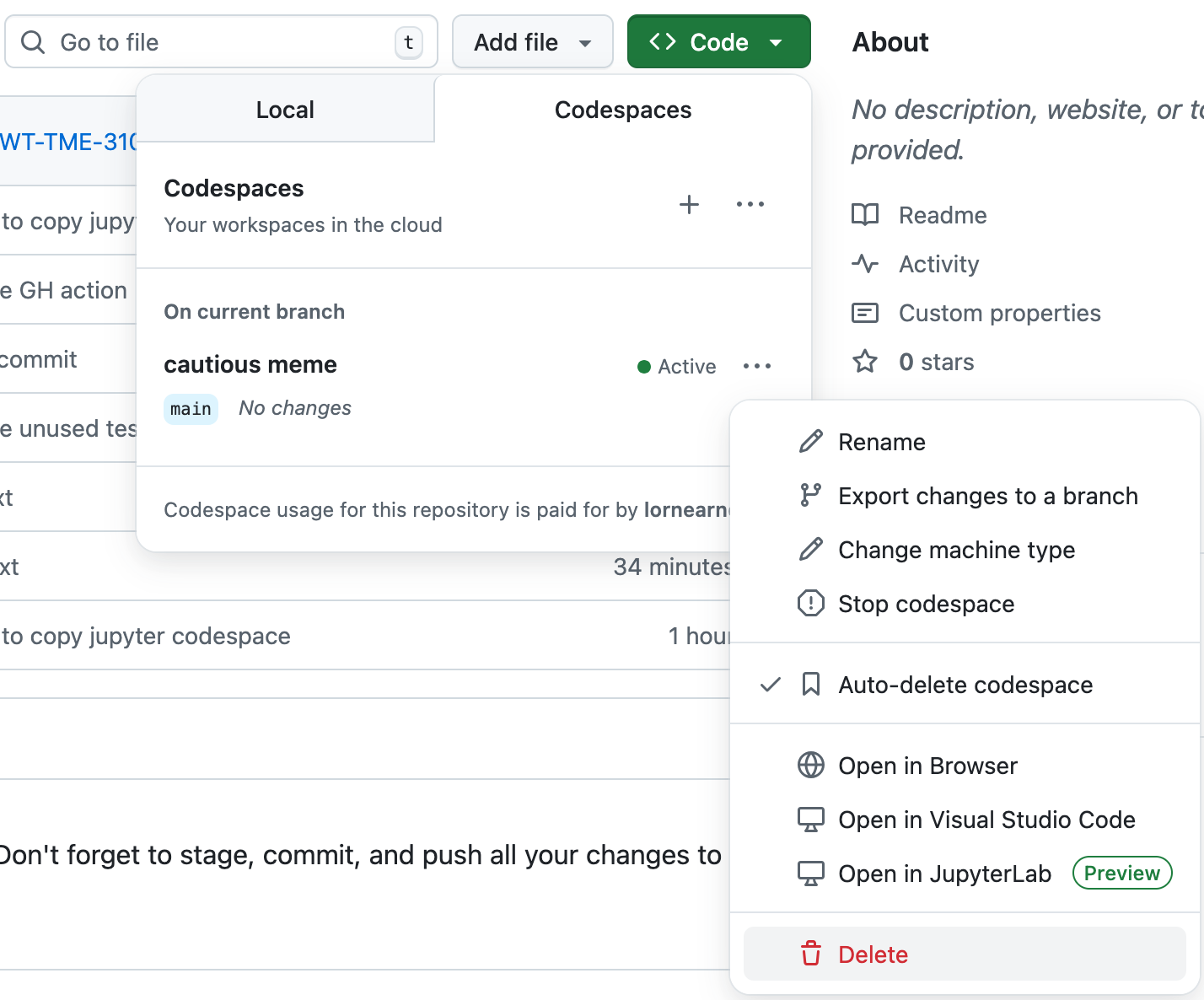
If you’re really tangled in a knot, make a copy of what you want to keep locally and start a new codespace from your repo.
- Your notebook and everything else in your file explorer can be downloaded.
- Or you can just copy and paste the contents if that’s easier for you.
- After you’ve saved everything you want to keep, delete the problematic codespace and start a new one.
Problems with the codespace itself
You might also have problems with the codespace itself…
codespace running in recovery mode…There is no Pip installer…- If you’re seeing this kind of issue, follow the “Save locally and restart” steps.