Functional Programming and Plotting
TME 310 - Computational Physical Modeling
University of Washington Tacoma
Functions
Why use functions?
Functions allow us to organize and re-use our work.
Part of the purpose of looking back at our solutions during reflection and self-grading is to identify ways our work may be useful for future problems.
Anatomy of a function
- The function signature defines function’s name and inputs it uses.
- The function body contains the code that runs when the function is called.
Here’s an example of a function called average:
Function signature
The function signature consists of:
- the
defkeyword - the function name (e.g.,
average) - the function input parameters:
(x, y)- input parameters are optional, the parentheses
()are not - assign default values as follows:
(x=1,y=2)
- input parameters are optional, the parentheses
- a colon (
:) at the end of the line
Function body
def average(x, y):
    total = x + y       # <--- the function body starts here...
    avg = total / 2
    return avg          # <--- and ends here
The function body consists of:
- an indented code block
- usually indented by 4 spaces (or tab)
- can be 1 or more spaces but must be consistent
- valid Python statements (or the
passkeyword) - optional: a
returnstatement
Function calls
User-defined functions are called just like built in functions but they need to be called after their defined.
Default values
Functions can have default values for some input parameters. Parameters with default values are optional.
Required parameters have to come before optional parameters.
SyntaxError: parameter without a default follows parameter with a default Plotting
Python libraries
Python has several built-in and external libraries that extend its capabilities.
The two we’ll use most in this course are
- Numpy
- Array calculations
- Matplotlib
- Plotting
We’ll look at Matplotlib today
Importing libraries
Import libraries with the import statement
It’s common to aliases as shorthand for imported modules by using the as keyword:
This imports the entire matplotlib library into your code. You can use mpl to refer to it.
Partial imports
Sometimes libraries are large and we only need a small part of them. In these cases, we can import a specific function using the from keyword:
Subcomponents of libraries are accessed with . syntax
Or we can import a submodule:
Basic Matplotlib use
It’s typical to start using Matplotlib with:
I’ll add a link to the Matplotlib documentation page to the course website. But for today, we’ll just look at one plotting fuction: matplotlib.pyplot.plot()
A line plot
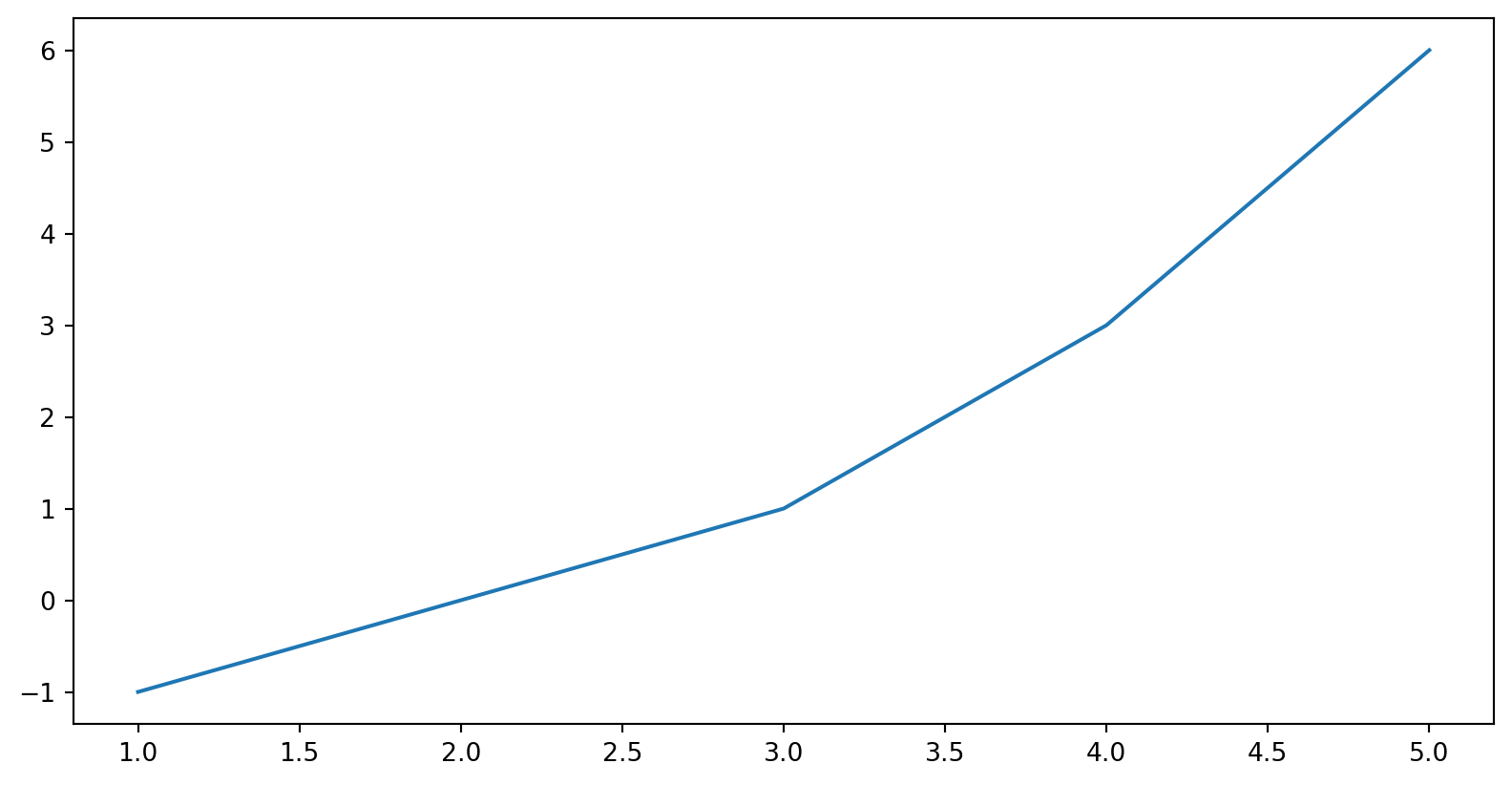
A line plot